Technology PNG images: phones, laptops, cameras and devices
Device images are essential for presenting apps, websites and tech services. A transparent PNG of a phone or laptop lets you place your own screenshot on the screen, line devices up in a presentation, or decorate a tech blog header without stock-photo backgrounds.
The collection covers phones, laptops, monitors, cameras, headphones, tablets, drones and robots. Many devices are shown at an angle, which is useful for dynamic layouts; front-facing ones are easier when you want to drop a screenshot onto the screen.
Our picks
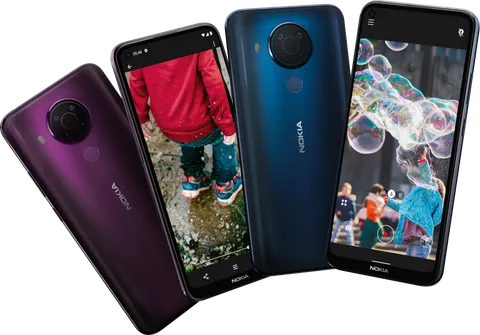
Four Purple and Blue Nokia Smartphones Fanned

Vintage Orange Suitcase with World Map
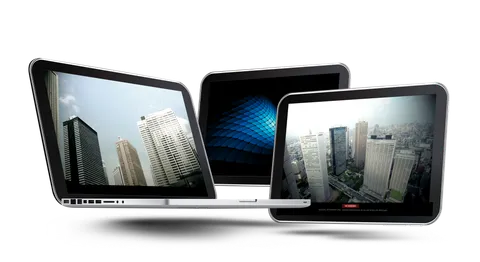
Three Silver Laptops with Skyscraper Screens
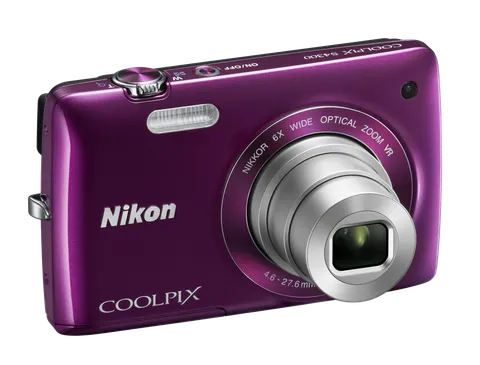
Purple Compact Camera with Silver Lens
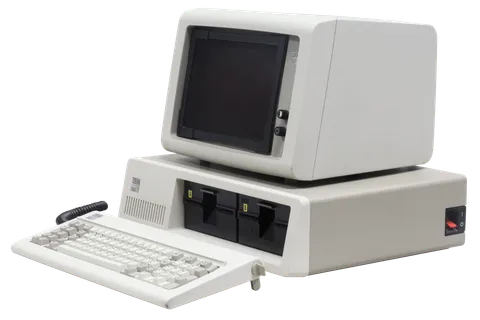
Beige Retro Computer with Twin Floppy Drives
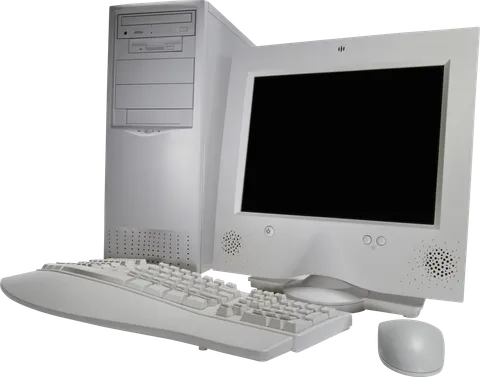
Beige Desktop Computer with Tower and CRT Monitor
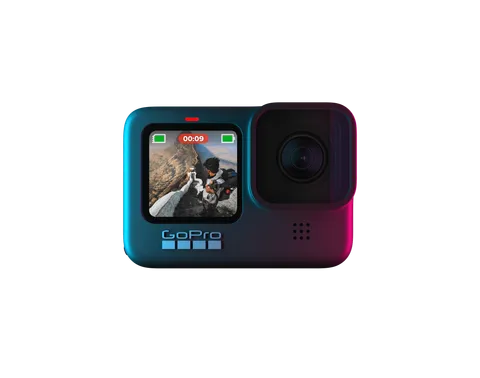
Teal Magenta Action Camera with Front Screen

Businessman Holding White Tablet with Black Screen
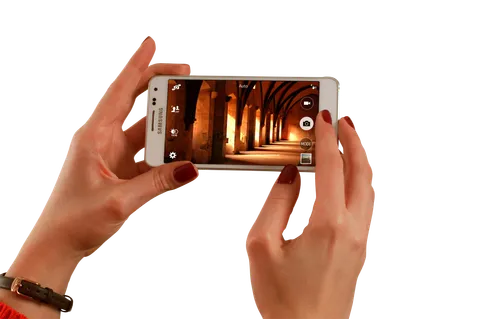
Hands Holding White Smartphone with Camera App

Silver Laptop with Orange Goldfish Screen

Black Bullet Security Camera with IR LEDs
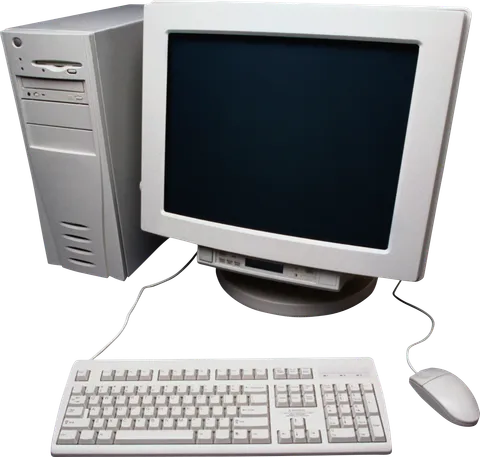
Beige Vintage Desktop Computer with CRT Monitor
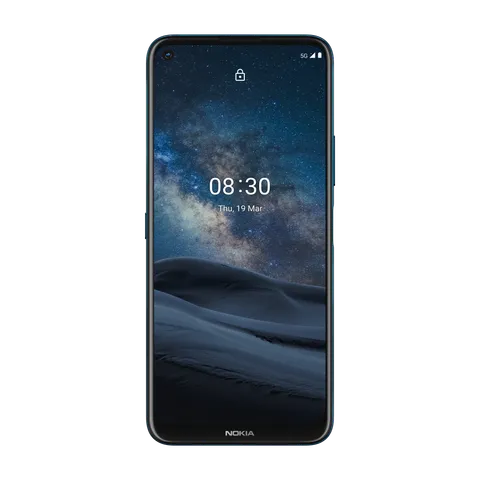
Dark Blue Smartphone with Starry Sky Screen
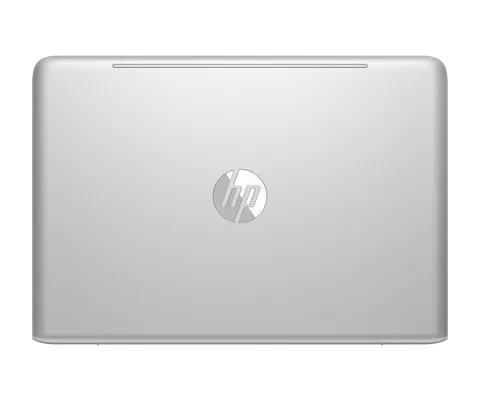
Silver Laptop Lid Top View
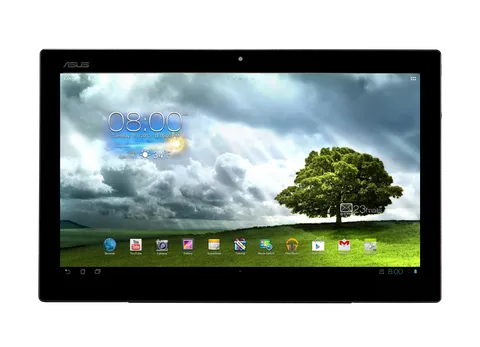
Black Tablet with Green Tree Home Screen

Silver Desktop Monitor with Tablet and Phone
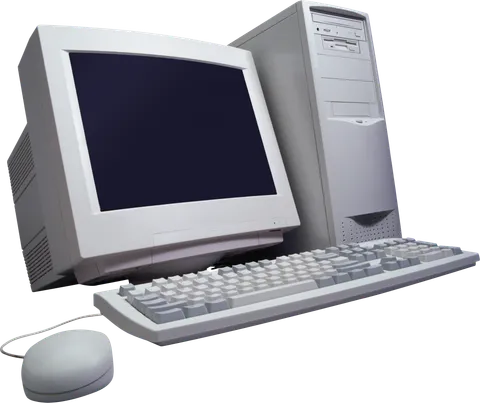
Beige Retro Desktop PC with CRT Monitor
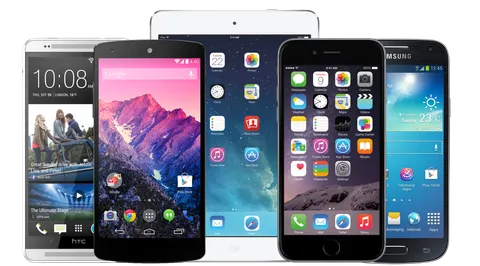
Five Smartphones and Tablet in a Row
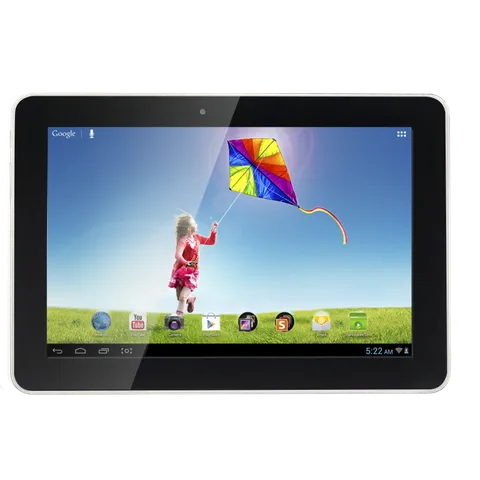
Black Tablet with Kite Flying Wallpaper
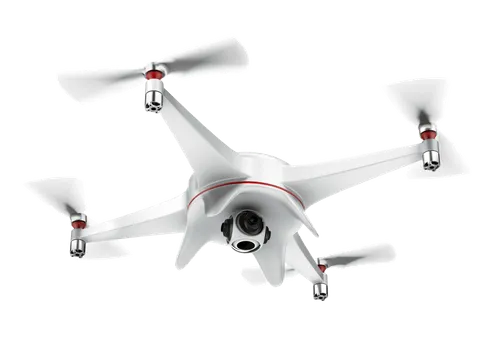
White Quadcopter Drone with Red Accents
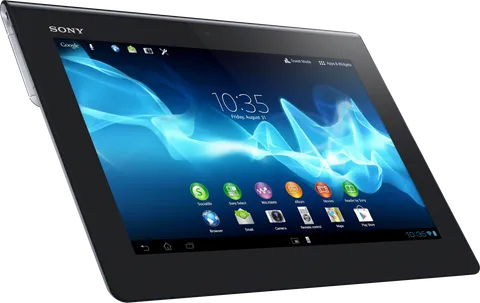
Black Sony Tablet with Blue Wave Home Screen

Bright Green Pickup with Lizard Decals
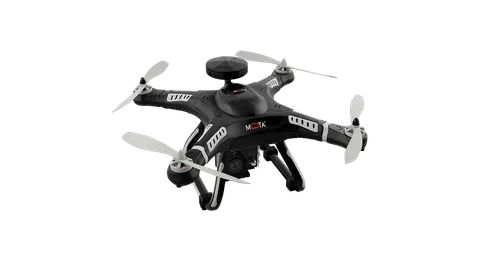
Black Quadcopter Drone with White Propellers

Isometric Storefront on Phone with Delivery Truck
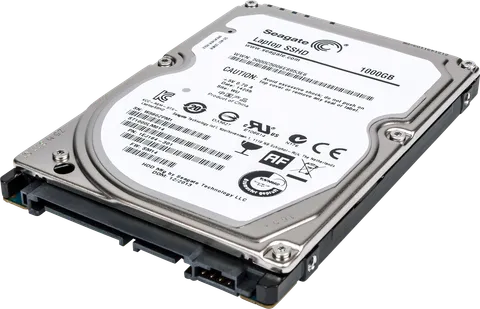
2.5-Inch Laptop Hard Drive with Silver Chassis

Workers Assembling Giant Tablet with App Icons

Sketched Landmarks Travel Collage with Backpacker
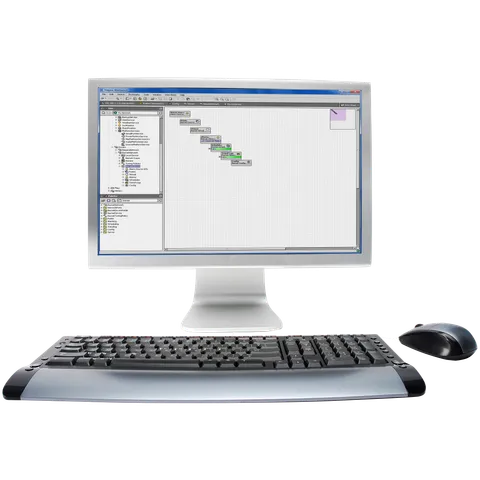
Silver Desktop Computer with Building Automation Software
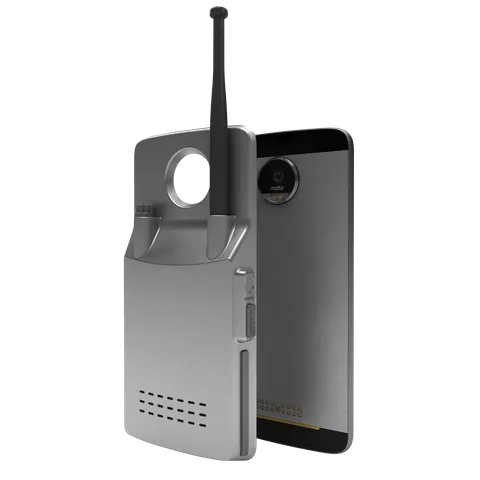
Brushed Silver Modular Phone Mod with Antenna
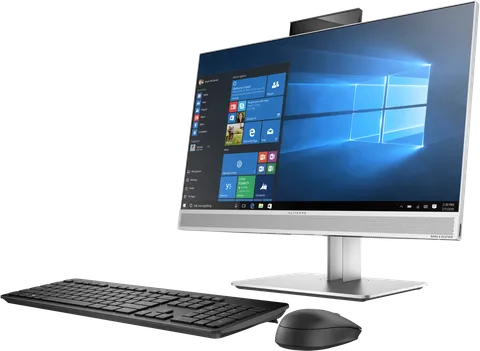
Silver All-in-One PC with Windows Desktop
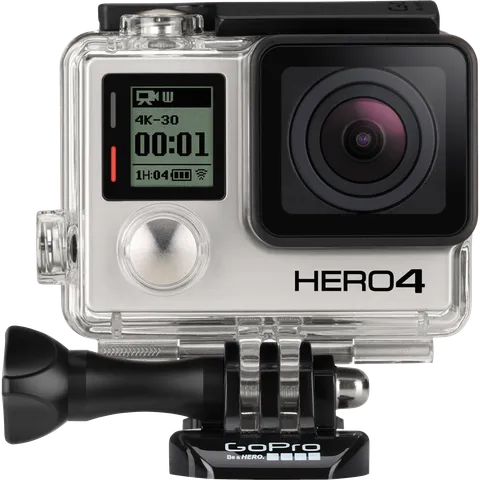
Silver Action Camera in Clear Waterproof Housing

Businessman in Dark Suit Typing in Wheelchair

Glossy Speech Bubbles with Social Icons
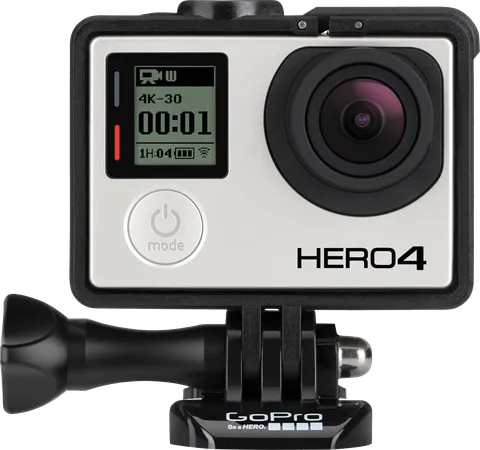
Silver GoPro HERO4 Action Camera with Black Frame
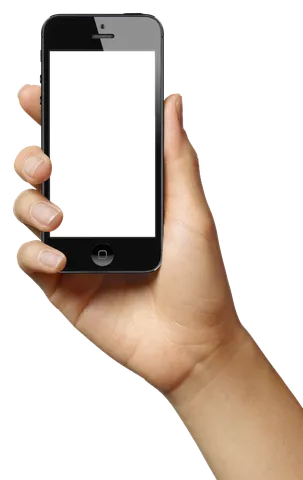
Hand Holding Black Smartphone with Blank Screen
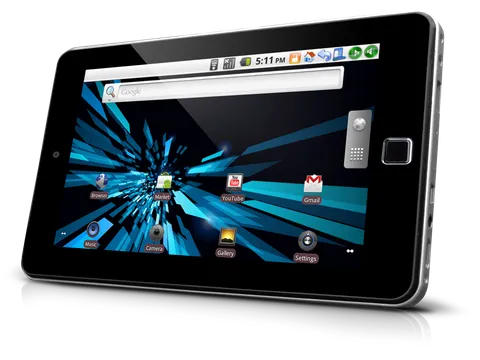
Black Tablet with Glowing Blue Android Home Screen
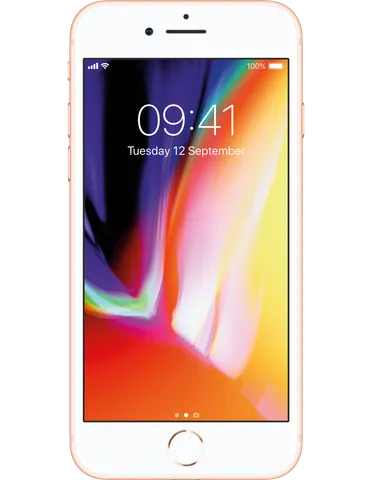
Gold-Framed Smartphone with Colorful Lock Screen

Overhead Laptop, Coffee Cup and Highlighters

Isometric Robot and Glowing Server Racks
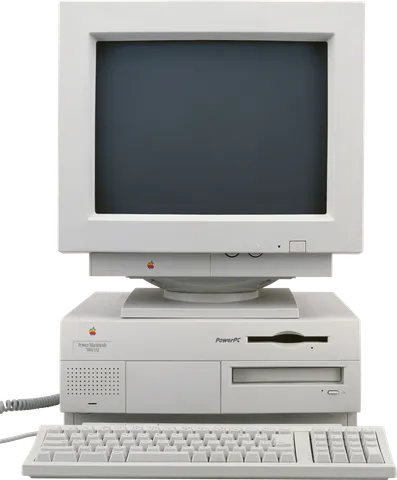
Beige Desktop Computer with CRT Monitor
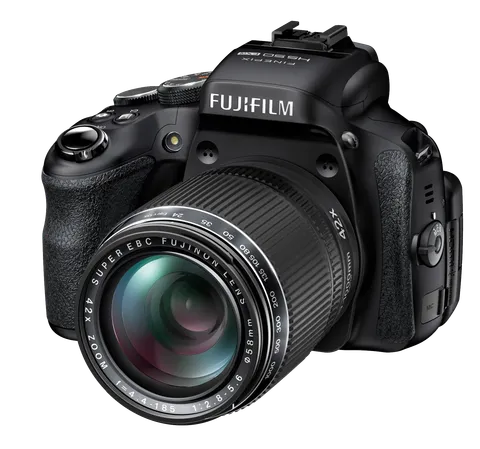
Black Fujifilm Bridge Camera with 42x Zoom Lens

Man in Grey Hoodie on Teal Sofa
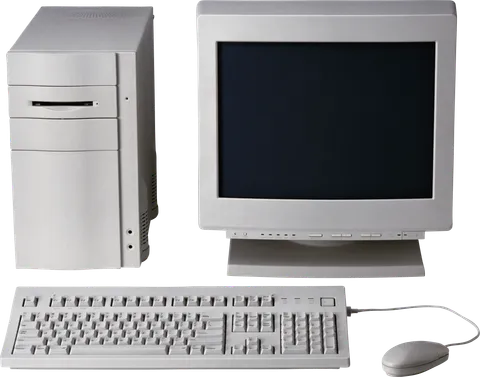
Beige Retro Desktop Computer with CRT Monitor
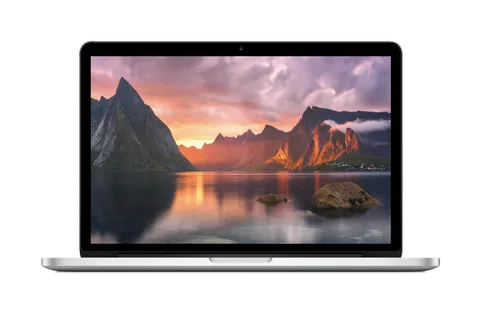
Silver Laptop with Sunset Mountain Fjord Screen
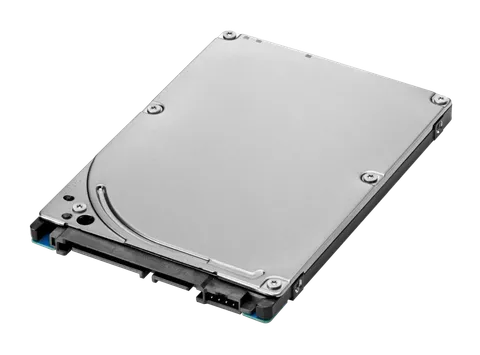
Silver 2.5-Inch SATA Hard Drive Angled View
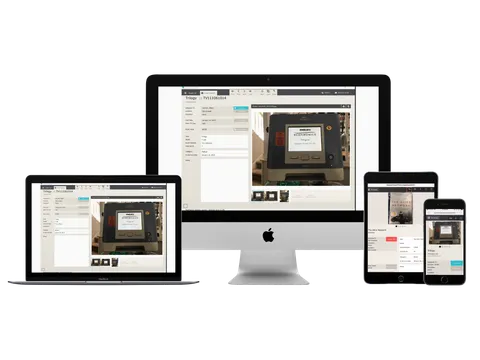
Desktop, Laptop, Tablet and Phone Device Mockup

Laptop Sending Blue Social Media Icons

Smiling Businessman Holding Tablet with Orange Tie
Tips for designing with technology PNGs
Put a screenshot on the screen
Place your screenshot under the device layer and mask it to the screen area. In Canva, a frame element of the same shape does the same job.
Keep reflections subtle
Glossy screens look more realistic with a faint diagonal highlight on top of your screenshot. Keep its opacity under 15 percent.
Check the trademarks
Some devices show a visible brand logo. That is fine for editorial use, but for adverts choose a device without a recognisable logo.
Related guides
Working with transparent PNG images in Figma
Import, crop, mask, layer and export transparent PNGs in Figma for UI mockups, social designs and presentations, plus tips for keeping files fast and exports sharp.
Free PNG images and copyright: how to use them responsibly
What "free to download" does and does not mean, why logos, brands and people need extra care, and a simple checklist for using free PNG images in personal and commercial projects.
How to use transparent PNGs in PowerPoint and Google Slides
Step-by-step instructions for inserting, layering, recolouring and adding shadows to transparent PNG images in Microsoft PowerPoint and Google Slides, with fixes for common issues.
Using these images
Images are free to download. Some may show trademarks, products or people whose rights belong to their owners, so check that your use is lawful before you publish or sell anything. Read the Terms of Use and our guide to using free PNG images responsibly.