Icon PNG images: symbols, signs and simple graphics
Icons make information faster to scan. A row of small symbols next to features on a slide, a sign on a poster, or an arrow pointing at a call to action does more than another line of text.
This collection gathers icons, signs, badges and arrows in flat, outline and 3D styles. Icons are usually small files, so the most important thing to check is that the image is large enough for where you will use it, and that the style matches the other icons on your page.
Our picks

Travel Icon Set on Blue Circle

Magnifying Glass with Rising Trend Arrow

Smiling Man Holding Blank White Sign

Green Dragon Four Poses with Tan Wings

Red and White Bullseye Target with Dart
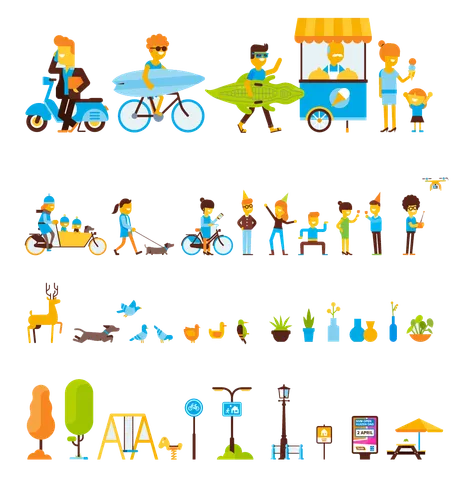
Flat Vector City Life Set

Faceted Icy Snowflake in Pale Blue

Glossy Red YouTube Play Button Icon

Pink HELLO and Glowing Cyan 2026 Neon

Cartoon Clown Holding Blank Sign with Balloons

Businesswoman in Pinstripe Suit Holding Sign
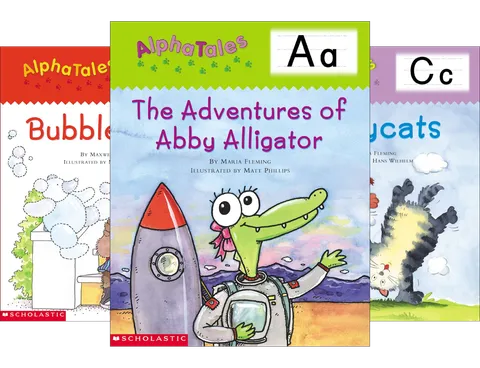
Green Cartoon Alligator in Space Suit

Stacked Glossy Gold Coins in Towers

Cream Sewing Machine with Colorful Thread Spools

Big Sale 3D Lettering in Gold and Pink

Glowing Blue Neon 2026 Sign

Email Envelopes with Blue @ Card

Yellow Diamond Sign with Volatility Zigzag

Red Carton of Golden Fries Illustration

Red Striped Popcorn Stand Illustration

Icy Blue Crystalline Snowflake with Faceted Arms

Glossy Red 3D Big Sale Lettering with Confetti

Glossy Ice-Blue Crystal Snowflake

Red and Grey Gas Station with Fuel Pumps

Glossy Speech Bubbles with Social Icons

Brick Building Facade with Arched Windows

Red 10% Discount Badge with Sparkles
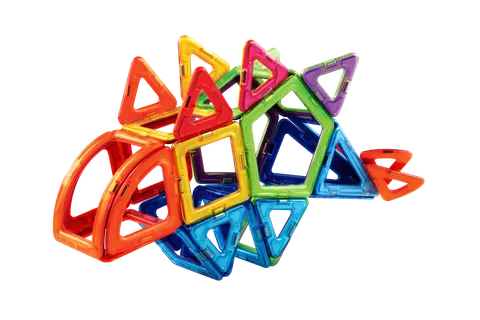
Stacked Translucent Magnetic Building Tiles

Blue Water Drops and Bubbles Glossy Set

Snowman in Red Santa Hat with Gifts

Rustic Wooden Outhouses with Restroom Symbols

Red Gift Box with Golden Sale Lettering

3D Business Sign with Wireframe Skyscrapers

Faceted Blue Snowflake with Snow Dots

3D Snowman in Red Hat with Christmas Sign

Beige Retro Desktop Computer with CRT Monitor

Glowing City Skyline with Sailboat Waterfront

Snowman with Top Hat and Christmas Sign

Glossy Gold Pound Sterling Currency Symbol

Light Bulb Infographic with Five Colored Sections
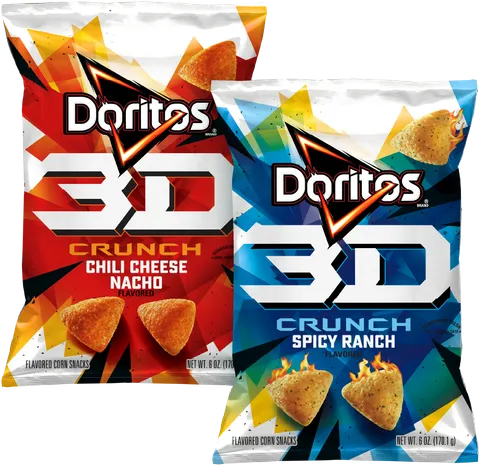
Red and Blue Doritos 3D Crunch Bags

Red 3D Flash Sale Sign with Snow

80% OFF Glossy Red Shield Badge

Gold Coin Stacks with Golden Dollar Sign

Glossy 3D Blue Arrow Pointing Up Right

Red Happy Birthday Sign with Bold White Letters
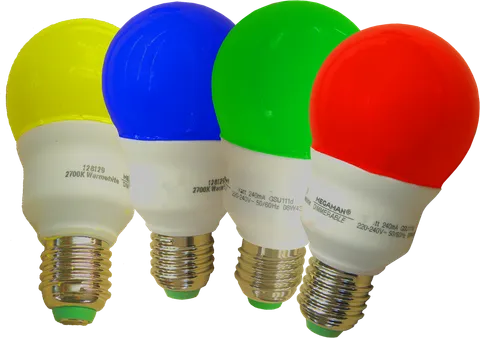
Four Colored LED Bulbs Red Green Blue Yellow
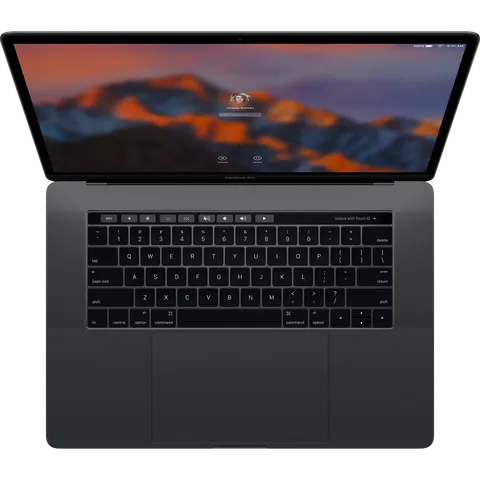
Space Gray Laptop Top View with Lock Screen
Tips for designing with icons & symbols PNGs
Use one icon style per design
Mixing outline icons with filled or 3D icons looks unplanned. Pick one style and stick to it across the page.
Recolour icons to your brand
Single-colour icons can be tinted to your brand colour in a few clicks. See our guide to changing the colour of a PNG.
Prefer SVG for tiny sizes
If an icon will be shown very small on a website, an SVG version stays sharper. PNGs are best when you need the icon at a fixed size or with effects.
Related guides
How to change the colour of a transparent PNG
Recolour icons, shapes and objects in a transparent PNG without losing the background, using Canva, Figma, Photoshop, Photopea, GIMP, PowerPoint and CSS.
Transparent PNG images on websites: HTML, CSS and performance
How to add transparent PNGs to a web page the right way: img vs background images, alt text, responsive sizes, lazy loading, dark mode, WebP fallbacks and recolouring with CSS.
PNG vs JPG vs WebP vs SVG: which image format should you use?
A practical comparison of the four image formats you meet most often, with clear rules for when to choose each one for websites, slides, social media and print.
Using these images
Images are free to download. Some may show trademarks, products or people whose rights belong to their owners, so check that your use is lawful before you publish or sell anything. Read the Terms of Use and our guide to using free PNG images responsibly.