Nature PNG images: clouds, sky, water, fire, smoke and stone
Natural elements are the building blocks of photo compositing. A single PNG of smoke, a splash of water or a drifting cloud can turn a flat product shot into an advert, or give a YouTube thumbnail the drama it needs.
Many of these images are semi-transparent: smoke, flames and splashes fade gradually rather than ending at a sharp edge. That is exactly what makes them useful, but it also means they look different on light and dark backgrounds, so preview them against the colours you plan to use.
Our picks

Dhul Hijjah Calligraphy with Blue and Gold Mosque
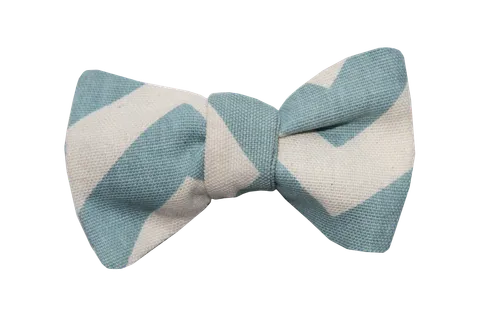
Sky Blue Chevron Bow Tie Fabric
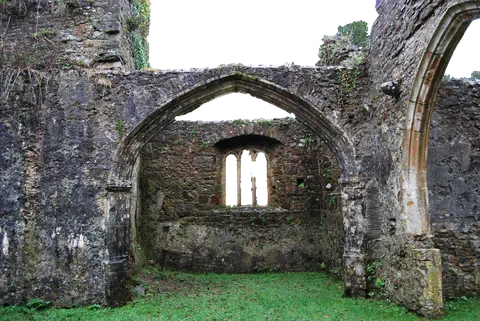
Weathered Stone Church Ruin with Gothic Arch

Ornate Crescent Moon with Mandala Star
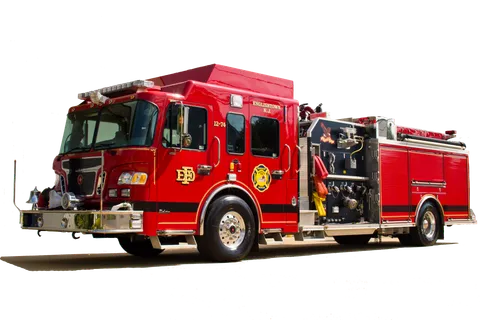
Red Fire Engine with Chrome Bumper and Hose Bay
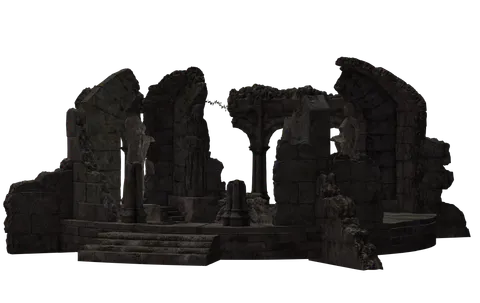
Dark Stone Temple Ruins with Gothic Arches
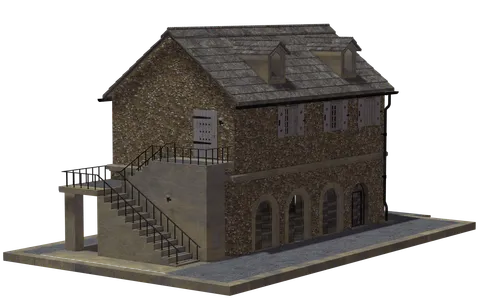
Stone Cottage with Slate Roof and Dormers
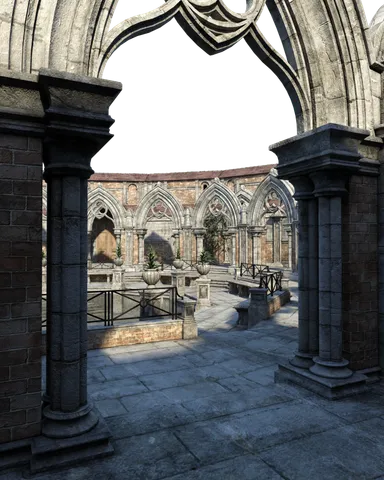
Gothic Cloister Courtyard with Pointed Arches
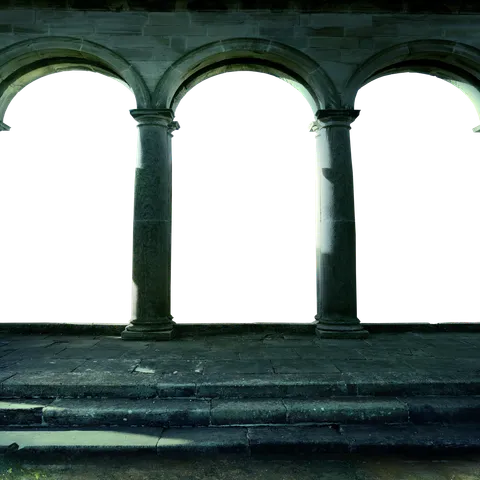
Stone Colonnade Arches with Weathered Steps

2026 New Year Emblem with Gold Medieval Castle
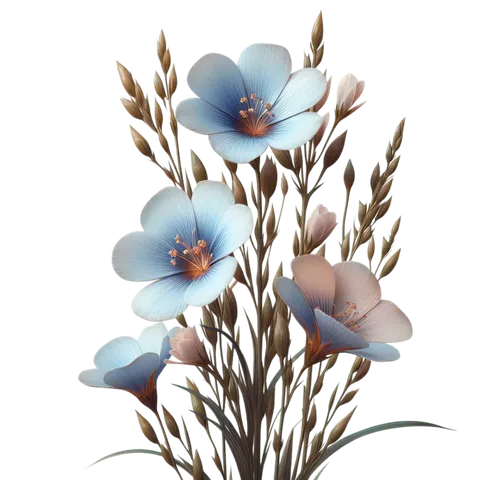
Pale Blue Flax Flowers with Pink Buds

Snow-Covered 2026 Numerals with Holly Berries
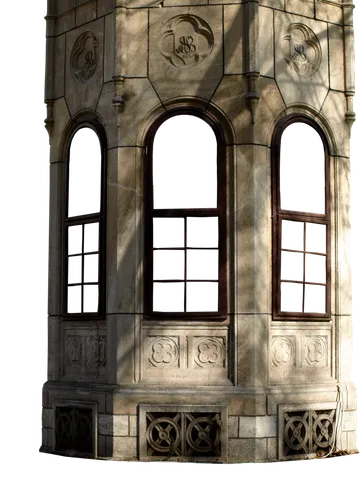
Weathered Stone Tower with Arched Windows
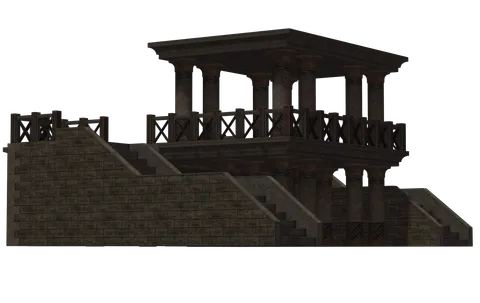
Dark Brown Stone Temple Pavilion Tiered Terrace
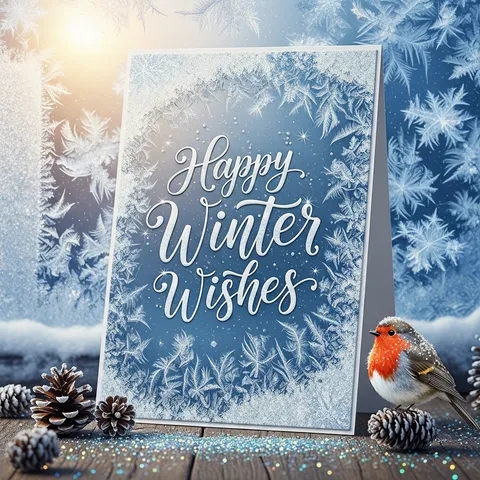
Winter Greeting Card with Robin on Pinecones

Matte Black Steam Iron with Gold Soleplate
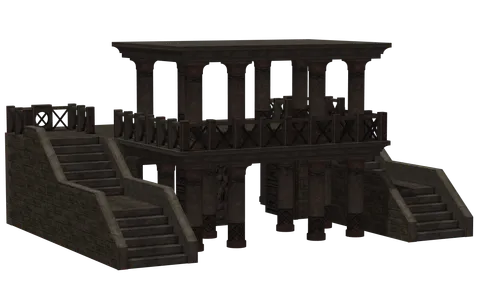
Dark Stone Two-Tier Pavilion with Columns
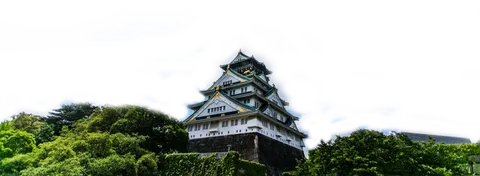
Osaka Castle with White Walls and Gold
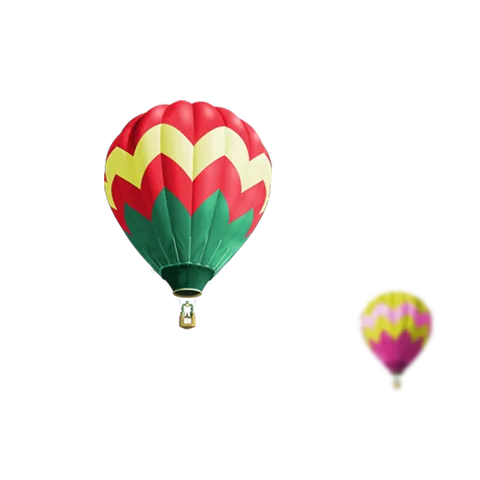
Red Green Hot Air Balloon Yellow Zigzag
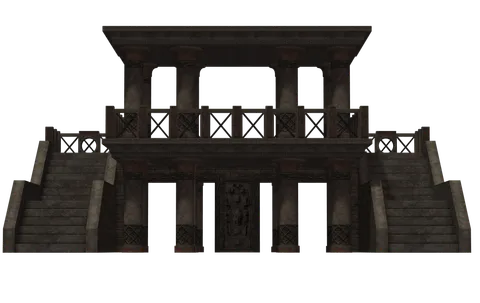
Dark Stone Temple with Twin Staircases

Gold Stone 2026 Numerals with Castle Towers
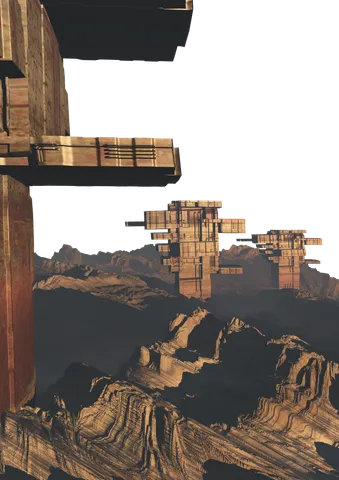
Copper Sci-Fi Towers over Rock Ridges

Fiery 2026 Text with Orange Flames

Medieval 2026 Numerals with Gold Trim

Snow White Outline Logo for Organic Food
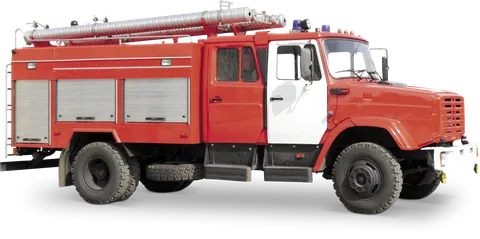
Red Fire Truck with Silver Roof Hoses
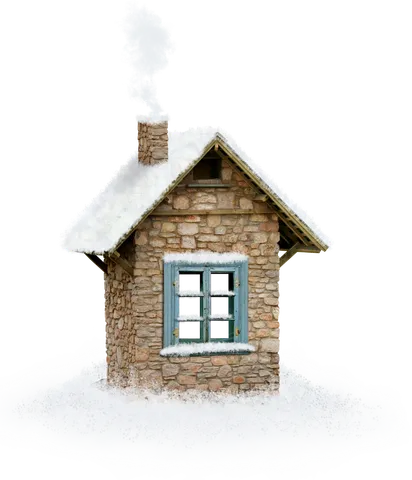
Snowy Stone Cottage with Blue Window Frames
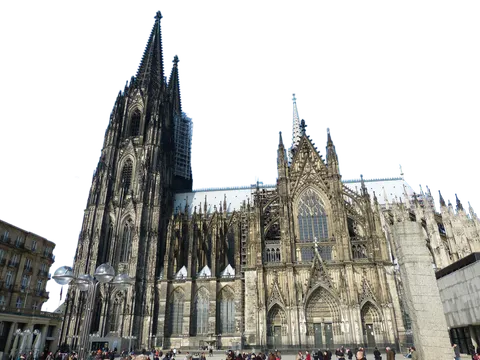
Cologne Cathedral with Twin Gothic Spires
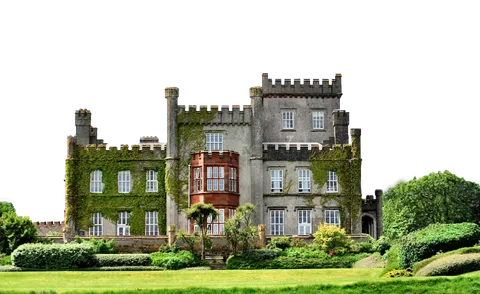
Ivy-Covered Gray Stone Castle with Turrets

Silver Laptop with Orange Goldfish Screen
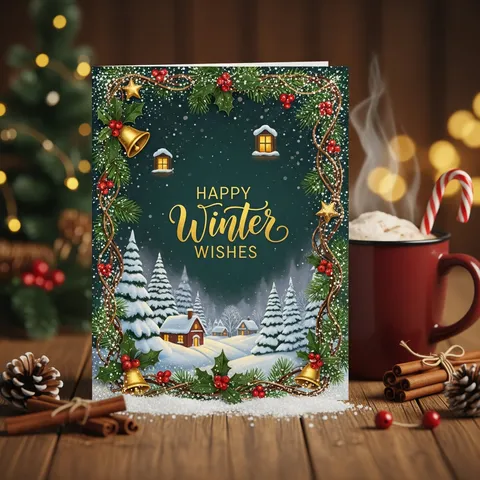
Winter Greeting Card with Gold Lettering

Frosted 2026 Digits with Fern Patterns
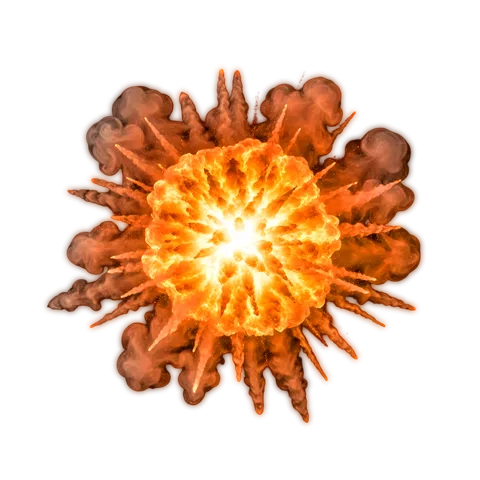
Fiery Orange Explosion with White-Hot Core

Blocky Stone-Textured 2026 New Year Lettering

Rainbow Watercolor 2026 Numerals with Splatters
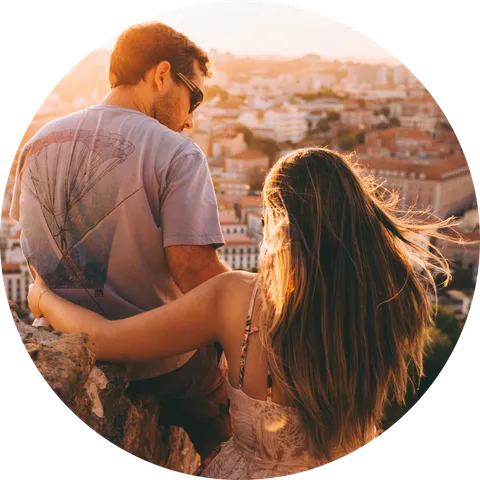
Couple Watching Sunset over Hillside Town
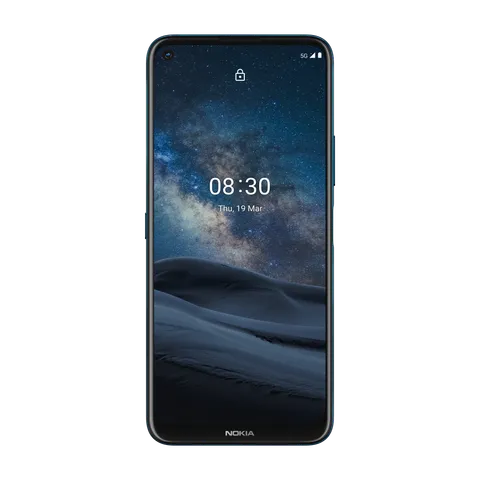
Dark Blue Smartphone with Starry Sky Screen
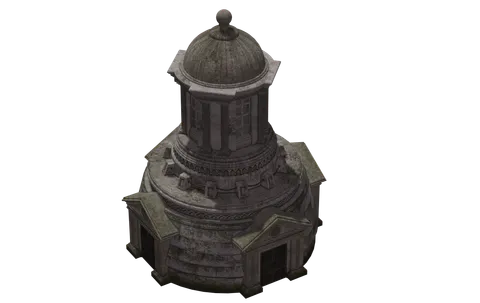
Weathered Stone Mausoleum with Domed Rotunda
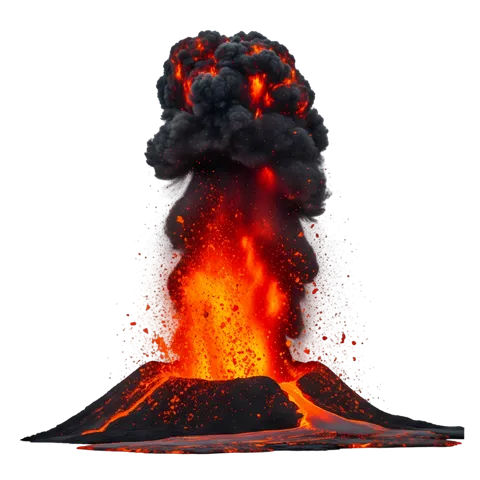
Erupting Volcano with Glowing Lava Fountain
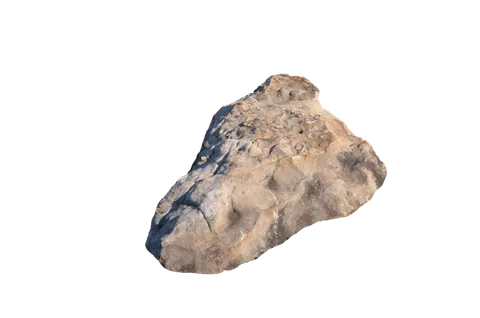
Weathered Tan Sandstone Boulder Rock
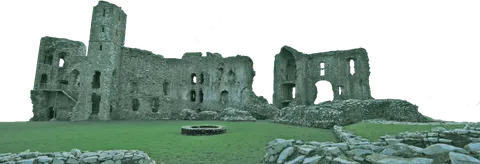
Ruined Grey Stone Castle with Tower
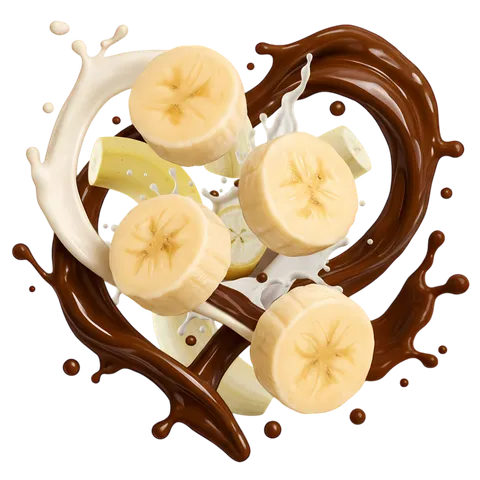
Banana Slices in Swirling Chocolate Milk Splash

Cracked Stone 2026 Lettering with Orange Glow
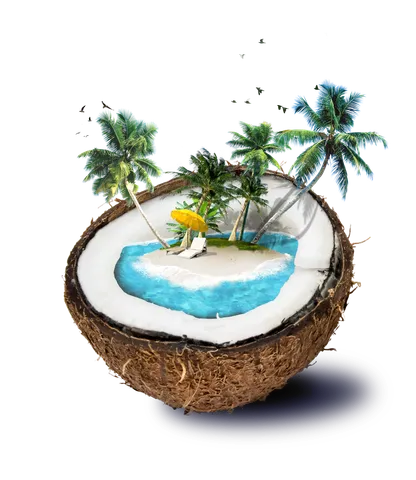
Halved Coconut with Miniature Tropical Island
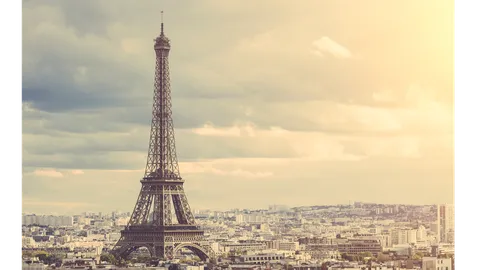
Eiffel Tower Dark Bronze Lattice Design
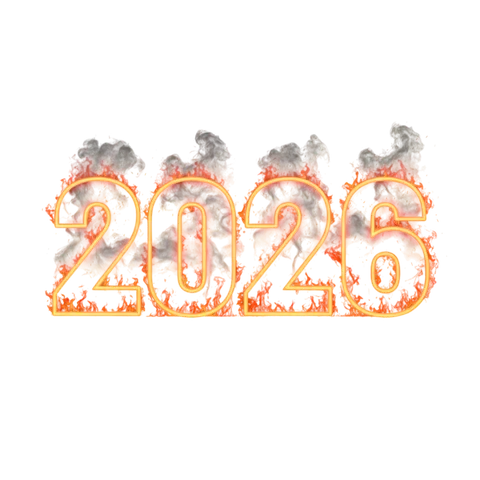
Glowing Orange 2026 Numerals with Red Flames
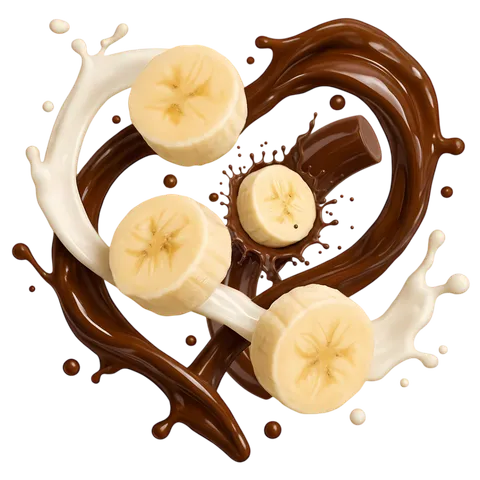
Banana Slices with Swirled Chocolate and Cream
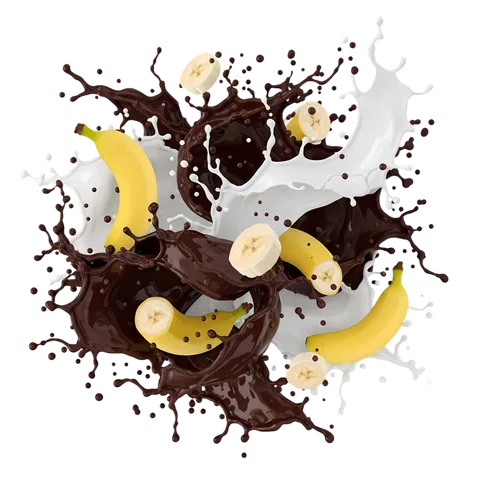
Chocolate Milk Splash with Banana Slices
Tips for designing with nature & elements PNGs
Use blend modes for glow
Fire and light effects often look more natural with the Screen or Lighten blend mode, which drops any remaining dark pixels and keeps only the glow.
Layer elements in depth
Put a large, blurred cloud or smoke layer in front of your subject and a sharp one behind it. The difference in focus creates depth instantly.
Match the colour temperature
Warm fire next to a cold blue scene looks fake. A colour overlay at low opacity is the quickest way to bring an element into the same palette.
Related guides
How to remove white edges (halos) from a transparent PNG
Why cut-out PNGs sometimes show a thin white or coloured outline on dark backgrounds, and how to clean it up in Photoshop, Photopea, GIMP, Canva and Figma.
How to use PNG images to make YouTube thumbnails that get clicks
A practical workflow for building YouTube thumbnails with transparent PNGs: size, layout, contrast, text, cut-out subjects and effects, plus mistakes that hurt click-through rate.
What is a transparent PNG? Alpha channels explained simply
A plain-English guide to how PNG transparency works, why some "transparent" images show a checkerboard, and how to check a file before you use it.
Using these images
Images are free to download. Some may show trademarks, products or people whose rights belong to their owners, so check that your use is lawful before you publish or sell anything. Read the Terms of Use and our guide to using free PNG images responsibly.